Conversion tracking requires a Business plan
subscription or higher.
lead event happens when a user performs an action that indicates interest in your product or service. This could be anything from:
- Signing up for an account
- Booking a demo meeting
- Joining a mailing list

Prerequisites
First, you’ll need to enable conversion tracking for your Dub links to be able to start tracking conversions:Option 1: On a workspace-level
Option 1: On a workspace-level
To enable conversion tracking for all future links in a workspace, you can do the following:
To enable conversion tracking for all future links in a workspace, you can do the following: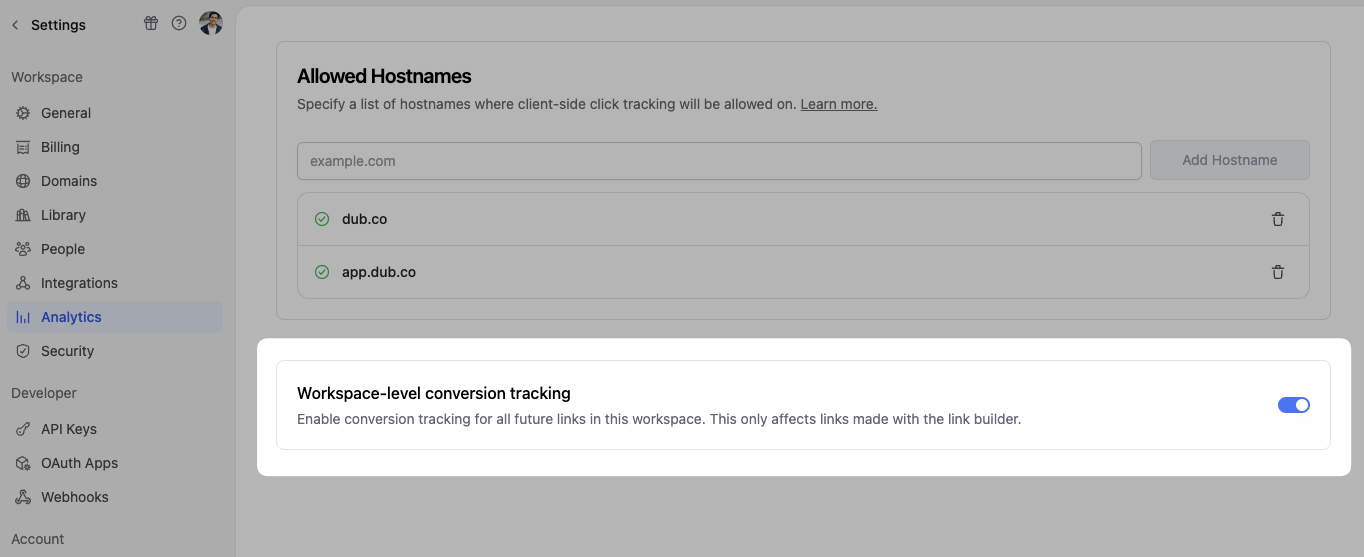 This option will enable conversion tracking in the Dub Link Builder for all future links.
- Navigate to your workspace’s Analytics settings page.
- Toggle the Workspace-level Conversion Tracking switch to enable conversion tracking for the workspace.
Option 2: On a link-level
Option 2: On a link-level
If you don’t want to enable conversion tracking for all your links in a workspace, you can also opt to enable it on a link-level.To enable conversion tracking for a specific link, open the Dub Link Builder for a link and toggle the Conversion Tracking switch.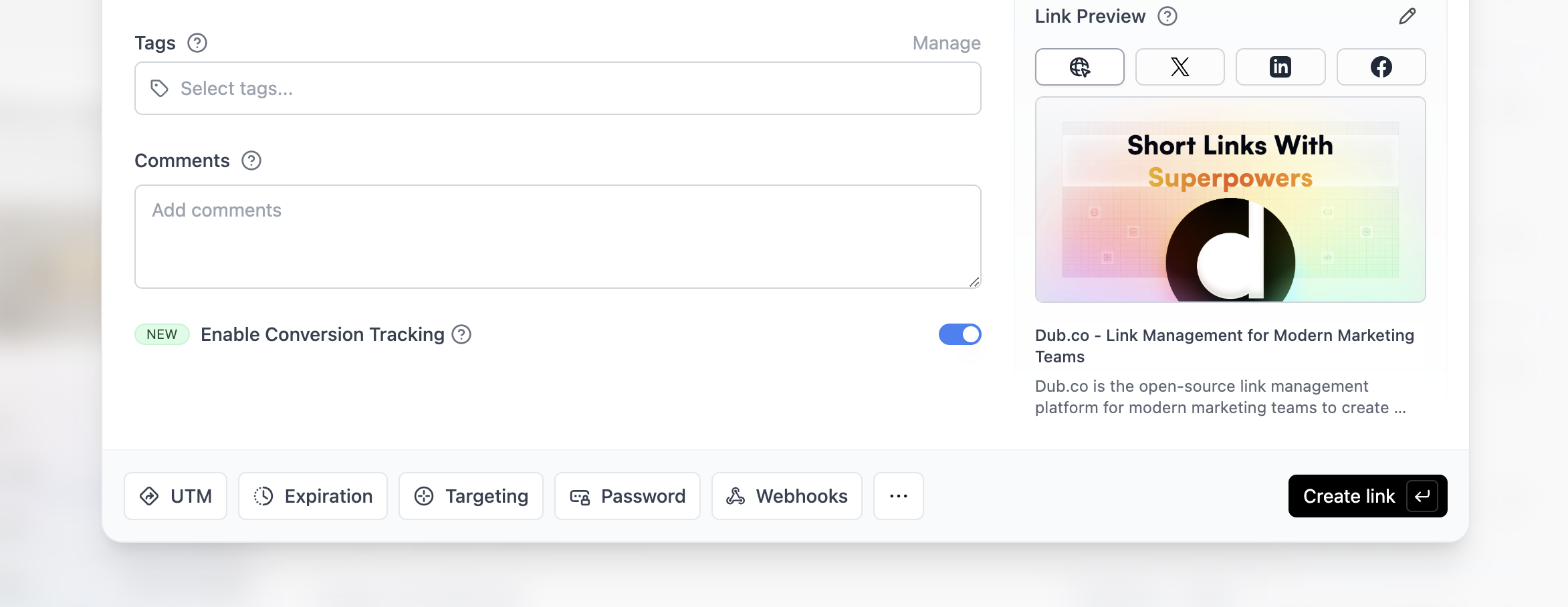
Option 3: Via the API
Option 3: Via the API
Alternatively, you can also enable conversion tracking programmatically via the Dub API. All you need to do is pass
trackConversion: true when creating or updating a link:@dub/analytics script to your website to track conversion events.
You can install the @dub/analytics script in several different ways:
React
Manual installation
Framer
Shopify
WordPress
Webflow
Google Tag Manager
You can verify the installation with the following tests:
- Open the browser console and type in
_dubAnalytics– if the script is installed correctly, you should see the_dubAnalyticsobject in the console. - Add the
?dub_id=testquery parameter to your website URL and make sure that thedub_idcookie is being set in your browser.
- The analytics script was added to the
<head>section of the page - If you’re using a content delivery network (CDN), make sure to purge any cached content
Configure Supabase
Next, configure Supabase to track lead conversion events. The implementation depends on your authentication flow:Auth callback implementation
For OAuth providers (Google, GitHub, etc.) and email signup with verification enabled, implement the/auth/callback route:
- In the
/api/auth/callbackroute, check if:- the
dub_idcookie is present. - the user is a new sign up (created in the last 10 minutes).
- the
- If the
dub_idcookie is present and the user is a new sign up, send a lead event to Dub usingdub.track.lead - Delete the
dub_idcookie.
Email signup without verification
When email verification is disabled, users are immediately signed in after signup without going through the/auth/callback route. Add the tracking code directly to your signup form handler:
Example App
To learn more about how to track leads with Supabase, check out the following example app:Supabase + Next.js App Router Example
Check out a real-world example of this in action – Extrapolate uses Supabase
Auth and Next.js App Router to track new user sign-ups.
View your conversions
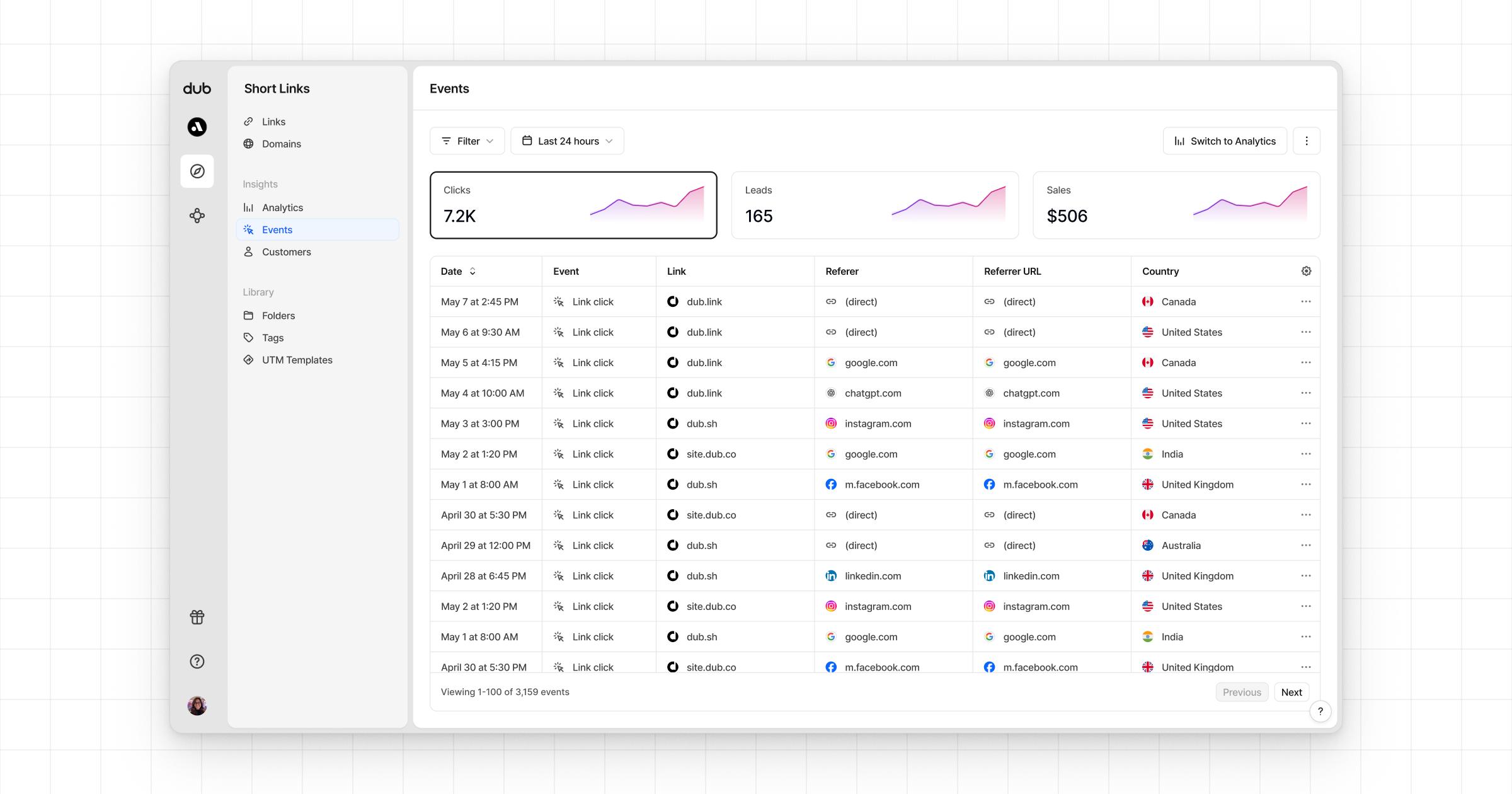
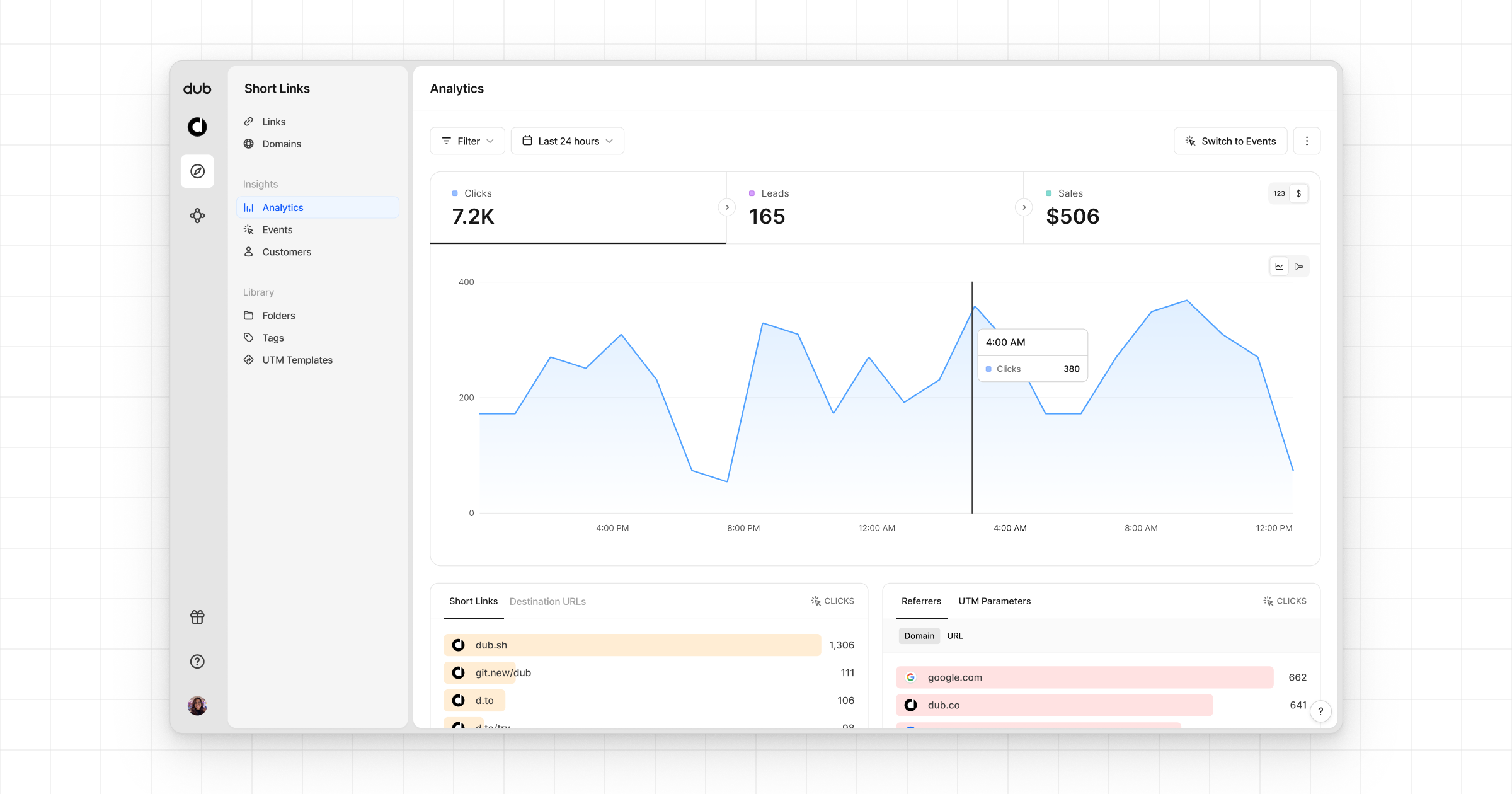
Once you’ve completed the setup, all your tracked conversions will show up in Dub Analytics. We provide 3 different views to help you understand your conversions:- Time-series: A time-series view of the number clicks, leads and sales.
- Funnel chart: A funnel chart view visualizing the conversion & dropoff rates across the different steps in the conversion funnel (clicks → leads → sales).
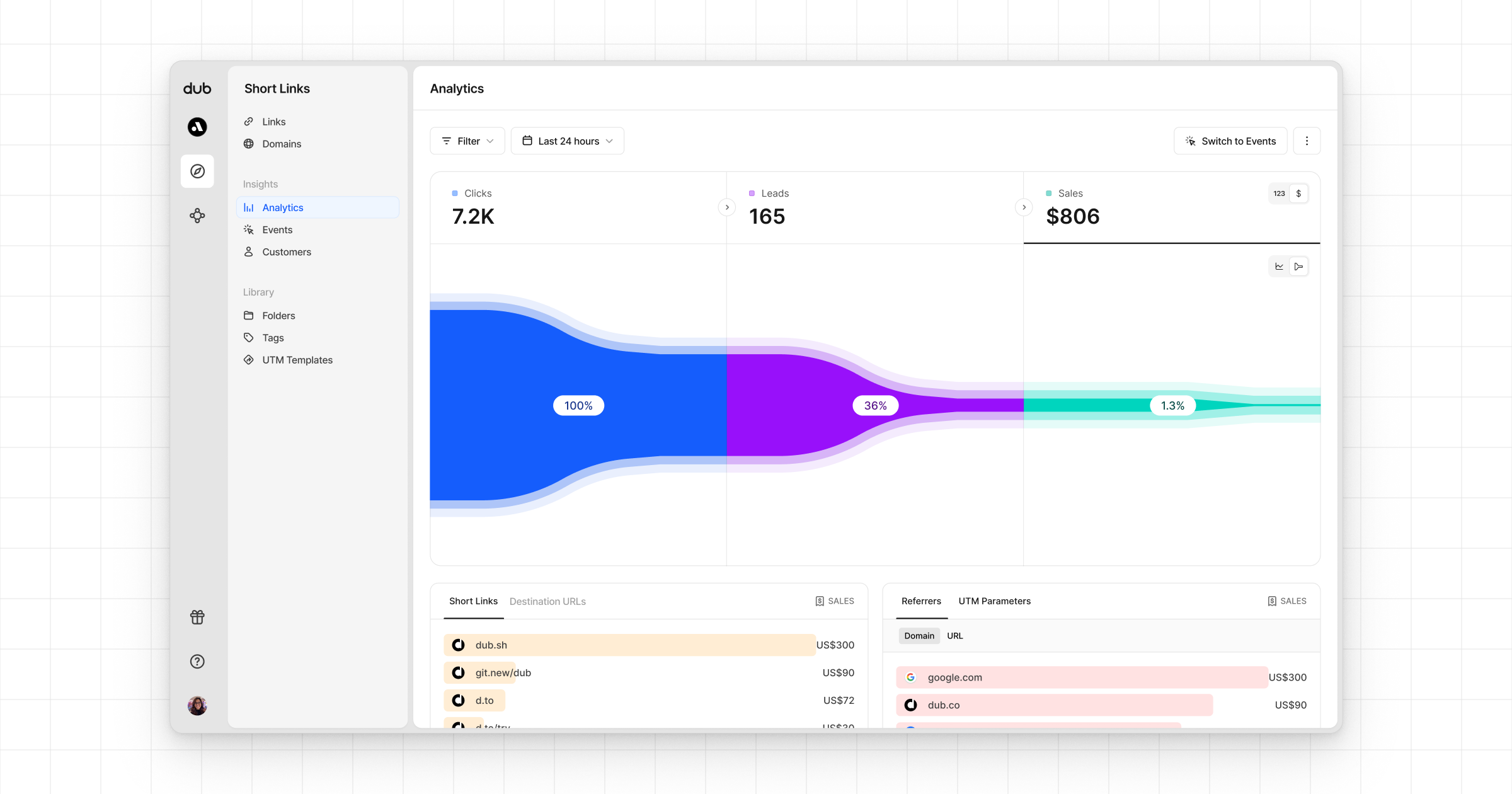
- Real-time events stream: A real-time events stream of every single conversion event that occurs across all your links in your workspace.